
Upload an image, describe the message, and create a video-led step without recording it yourself.

HelpGent turns form responses into ongoing conversations with video, voice, text, or screen recordings. Reply when you’re ready.
Create a guided form with your questions, or start from a template.
Add a video question to guide each step and invite richer answers.
Review responses in WordPress and continue the conversation when you’re ready.
That’s how a form keeps the conversation going.
With Pro, customers can record their screen, explain the issue by voice, and answer focused questions. Your team starts with context, not guesswork.
Explore all SolutionsUpload an image, describe the message, and create a video-led step without recording it yourself.
Describe your goal. HelpGent AI drafts the form and helps you refine it.
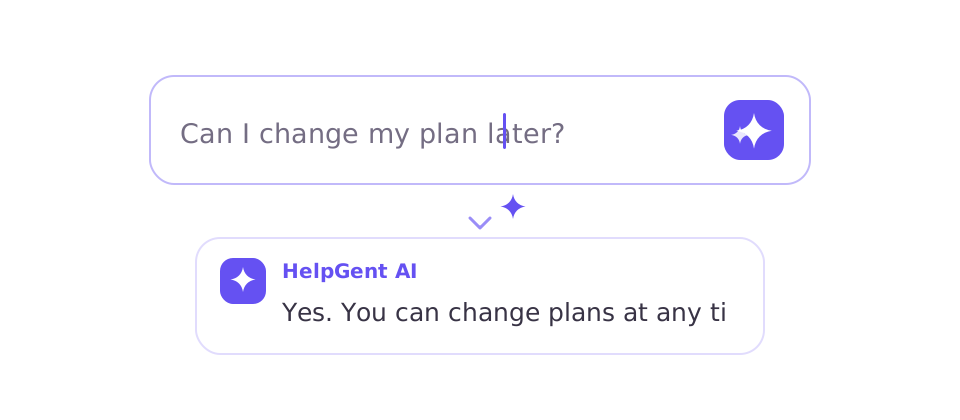
HelpGent AI responds to routine questions as they arrive, helping visitors get an answer without waiting for your team.
Get a quick summary so whoever replies next can pick up the conversation with context.
Choose a ready-made flow, customize the questions, and publish it from WordPress.
Browse all TemplatesStatic forms miss context, while live chat expects someone to be online. HelpGent guides each exchange and keeps answers and follow-up together on your WordPress site.
Collect short, incomplete answers. When context is missing, your team has to follow up through email and ask people to explain themselves again.
Expects someone to be available immediately. Visitors feel rushed, while small teams risk missing conversations when nobody is online.
Move recordings, files, and follow-ups into different products. The conversation becomes harder to manage and costs more to maintain.
HelpGent
Room to explain. One place to continue the conversation.
I have been using it for a while and must say it is the easiest conversational form/multi step form plugin.
Seems like a great tool for asynchronous video messaging and screen recording.
The video and voice messaging options have also helped me to add a personal touch to customer support and overall communication.
Traditional form builders primarily collect submissions. HelpGent guides people through questions they can answer with video, voice, text, files, or screen recordings, then lets your team reply and continue the exchange in the same conversation.
A Video Funnel is a HelpGent form presented as a guided, step-by-step conversation. Introduce each step with video, images, or text, and let visitors respond by video, voice, text, or other field types. Conditional logic adapts the next step and directs each person to the right outcome, such as a booking page.
HelpGent can guide customer requests, qualify leads, collect product feedback, onboard clients, conduct asynchronous sessions, gather testimonials, and support other conversations where a basic form does not provide enough context.
No. Visitors can open and respond to a HelpGent conversation from their browser without installing an app or creating a HelpGent account.
No. Visitors leave a message when it suits them. Your team can review and reply when ready. HelpGent Pro’s AI chatbot can answer instantly and hand the conversation to your team when needed.
Core conversations and recordings are stored on your WordPress hosting by default. Optional cloud storage, AI, and connected services may send or store relevant data externally when you enable them.
Yes. HelpGent works with standard WordPress themes and can be added to pages created with popular page builders. You can also place HelpGent conversations on WooCommerce product pages to collect questions, feedback, or detailed customer requests.
Yes. You can install HelpGent from WordPress.org, build your first conversations, and upgrade when you need additional capabilities. Check the Pricing page for the current feature breakdown.
Describe what you need and HelpGent AI can draft the questions, answer types, and flow for you.